Lucille sent this photo of her newly completed Whimsical Garden quilt. Yay, Lucille!


I listened to a few TED Talks over the weekend. I really enjoyed this one!
4:00 AM is not a time of day that I want to be awake, but there are those days when I do wake up at 4. Sometimes I wake up with a new thought, or I wake up stewing about something, or I wake up with the realization that something that I thought was going well was, in fact, not. I’m apparently not the only one who has this happen at 4 in the morning.
If you can’t see the video in this post, click here to see Rives‘ Ted Talk.
If you, like me, would like to live in a world that exhibits more civility, just say no to the junk with you clicking finger.
If the video is not opening for you, click here to see Sally Kohn‘s TED Talk.
I’ve been working this week on a quilt (in 2 sizes) for the revised edition of the Piecing book. I do wish I could show you what’s on my wall, but all I can show is a little bitty teaser…
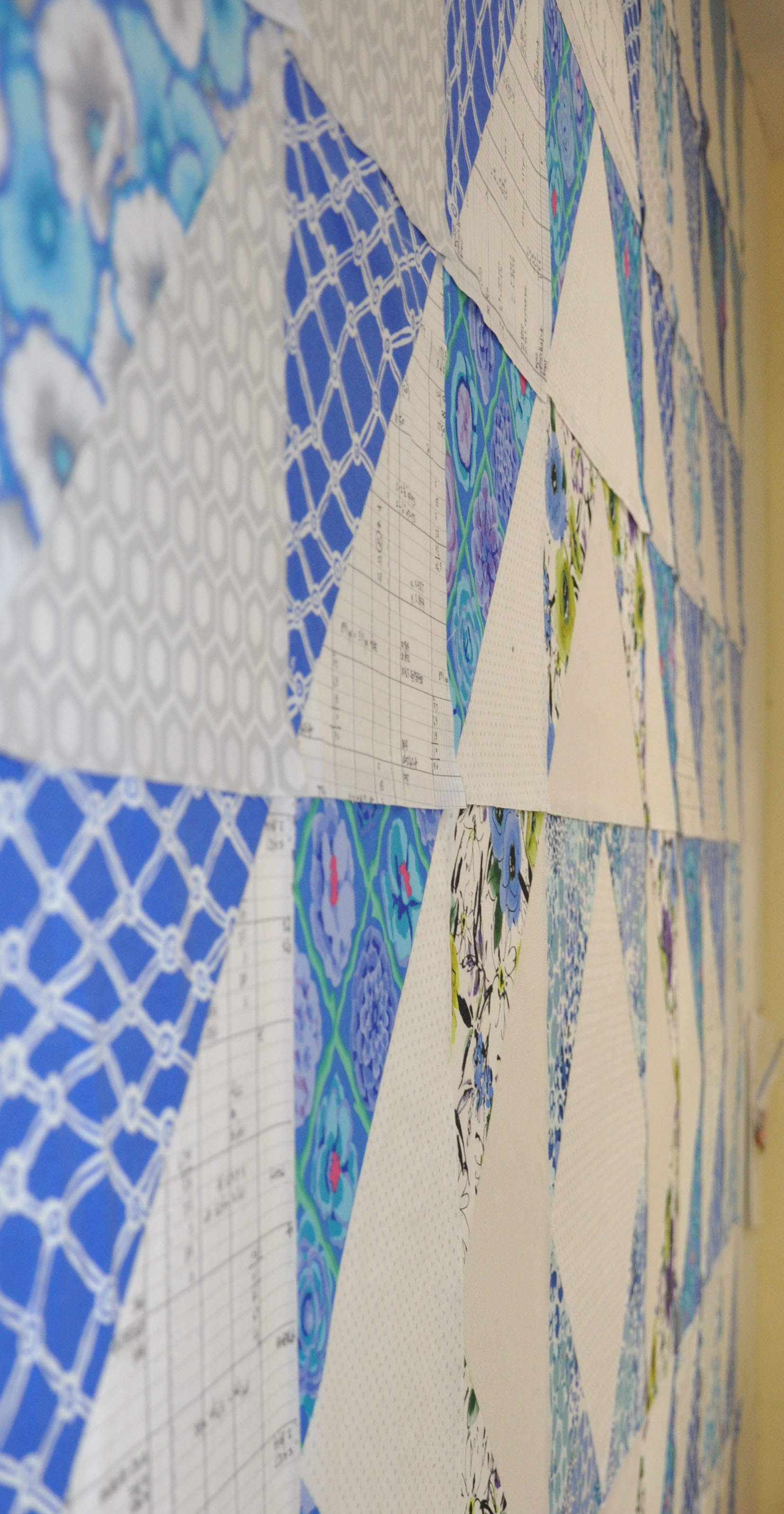
Actually this quilt is not little. It’s going to be 90″ x 90″ and I am both looking forward to/and not looking forward to quilting it. I have high hopes that, once finished, it will look good on my guest bed. After I set it together tomorrow I’ll know for sure.
I don’t know about you, but I have a really hard time making a quilt that looks good in a particular space. I start with that intention, but then as I make the quilt, the quilt takes over. Colors and values can change. The finished quilts always look good but they may, or may not, look good where I expected to use them. Such is life.
In the construction of this quilt, I used an HST (half square triangle) method that is very accurate. This is the one where if you want a finished size 6″ square, you cut squares 6 1/2″, and trace across them on the diagonal, then sew on that line.
When you use this method, there is some waste… unless you sew together the triangles that you cut away. Which I did!

I’m not entirely sure what will happen with these HSTs (that need their dog-ears trimmed and then need to be pressed open). I might use them on the back of the quilt. Or not. Tonight, I’m too tired to think about it :-).
Valerie Prideaux sent me these photos from a friendly quilt challenge that she and some friends took part in. The quilts were recently displayed at Quilts at the Creek 2014, a yearly outdoor quilt show in Toronto, Canada. Aren’t they great! All the quilts were quilted by Sandy Lindal of Scrappy Gal Quilt Co, who was so busy doing the quilting that she never got hers done.
FYI: I’ve loaded the 6 pictures into a slideshow, which is a new feature I’ve found on WordPress. Hover over the picture and you’ll see a pop-up control bar where you can click to go from slide to slide.
Shirley entitled hers “One Thousand Three Hundred and Sixty pieces of my mind” which cracks me up. I have never taken the time to count the pieces in any quilt I’ve made because, if I knew, I might despair of ever finishing :-).
I do love Valerie’s minimalist interpretation of the design—so very contemporary. Thank you all, for sharing your work!
A lady in my class had this cute notebook cover, with a pocket on the cover…

It was simple to make—so simple you don’t really need a pattern. She made it so that the ends of the cover slipped into pockets. This would be really cute to give kids who are their way back to school. I suppose Elanor might want one!


